
How to create a promo code
A promo code gives a buyer a discount in percent or hryvnias. Create a code, limit it by product, number of uses, or date, and share a link with the discount.
Short answer
Open "Promo codes", click "Create promo code", enter the code, choose the discount type and amount, optionally limit products, uses, and date, keep the code active, and save. Buyers enter the code in the payment window or open your discount link.
In this guide
What you get
A buyer enters the code in the payment window and sees the discounted price right away. The discount can be a percentage or a fixed amount in hryvnias, and it can apply to all your school's products or only selected ones.
Create a code
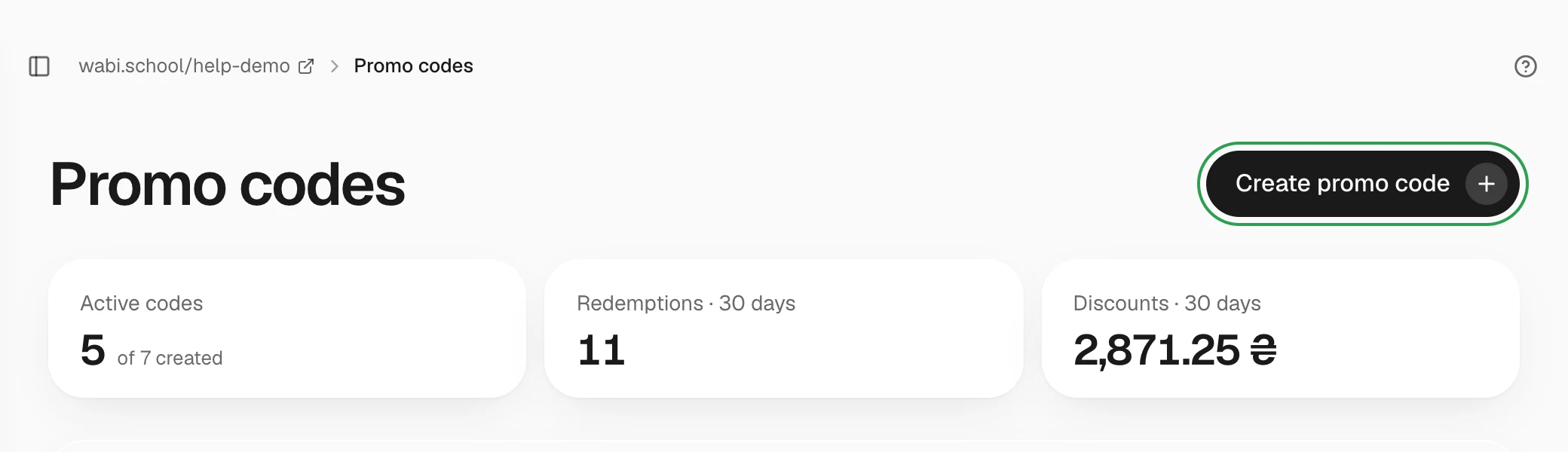
- Open Promo codes and click Create promo code.
- In the Code field, enter the word buyers will type, for example
SUMMER20. Use Latin letters, digits, "-", and "_", from 2 to 20 characters. You can't change the code after you create it. - In the Discount type field, choose Percent or Amount, ₴ and enter the discount amount.
- In the Applies to field, keep All products or choose Selected products and pick the products you want.
- To limit the code, set a Redemption limit and a date in the Valid until field. An empty field means no limit.
- Check that the Active switch is on, and click Create promo code.
Share the code
Buyers can enter the code themselves in the Promo code field in the payment window. It's easier to give them a ready link: open the code in the list and copy the Link with the discount. When a buyer opens the payment window from this link, the code is filled in and applied automatically.
Pause and delete
To turn a code off temporarily, choose Pause in the code's actions. To turn it back on, choose Activate. After you delete a code, buyers can no longer enter it, but the history of its uses stays.