
Why a product won't publish
What each message that blocks publishing a product means and how to fix it, from tariffs and lessons to your Wabi plan and the archive.
Short answer
Wabi publishes a product only when it can be bought and delivered. You need an active tariff; a course needs at least one lesson, a digital product needs a file, and an event needs access info in every tariff. You also need a Wabi plan. Connected payments are not required to publish.
In this guide
How to find the reason
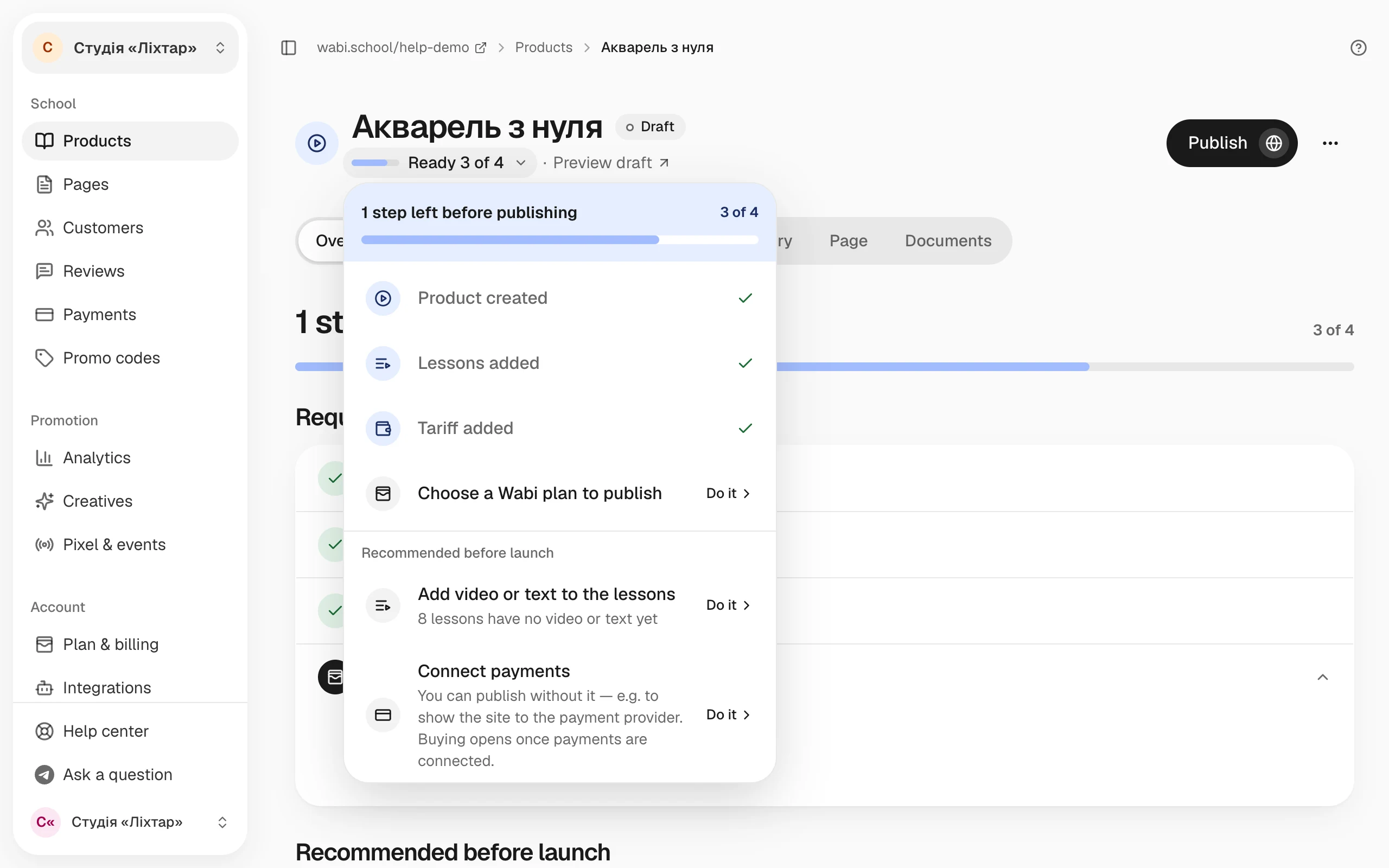
Click Publish on the product page. If something is missing, Wabi shows a message with the first reason. The readiness block on the product page lists all the remaining steps.
Messages and what to do
Add at least one active price before publishing.
A product without a tariff has nothing to buy. Open Products → Tariffs, click Add tariff, and set the tariff status to On sale. Tariffs with the Hidden or Announcement status don't count.
Add at least one lesson before publishing.
A course needs at least one lesson in Products → Lessons. The exception is Pre-sale: if the tariffs have a Start date in the future, you can publish the course without lessons and add them before the start.
Add at least one file to publish a digital product.
A digital product is its files. Add at least one in the Files section on the product page.
Add access info or a Telegram link to every active event tariff.
After payment, an event buyer sees an access page. For every active tariff, fill in How to join the event or Telegram link.
To publish a course with a subscription tariff, connect Monobank or WayForPay
The payment provider you chose can't charge a subscription every month. In Settings → Accepting payments, choose a provider that supports subscriptions, or change the tariff type.
Choose a Wabi plan to publish the product.
Publishing is part of a Wabi plan. Choose a plan in Plan & billing. Access for people who already bought your products doesn't depend on your plan. What a plan includes: What the Wabi plan includes and how video hours work.
This product is archived. Restore it from the archive first.
First restore an archived product with the Restore from archive button. It becomes a draft, and then you can publish it.