
Send payments to Google Sheets or a webhook
Add each payment as a row in a Google Sheet, import past payments, connect a webhook for Make, Zapier or your own server, and fix a stopped delivery.
Short answer
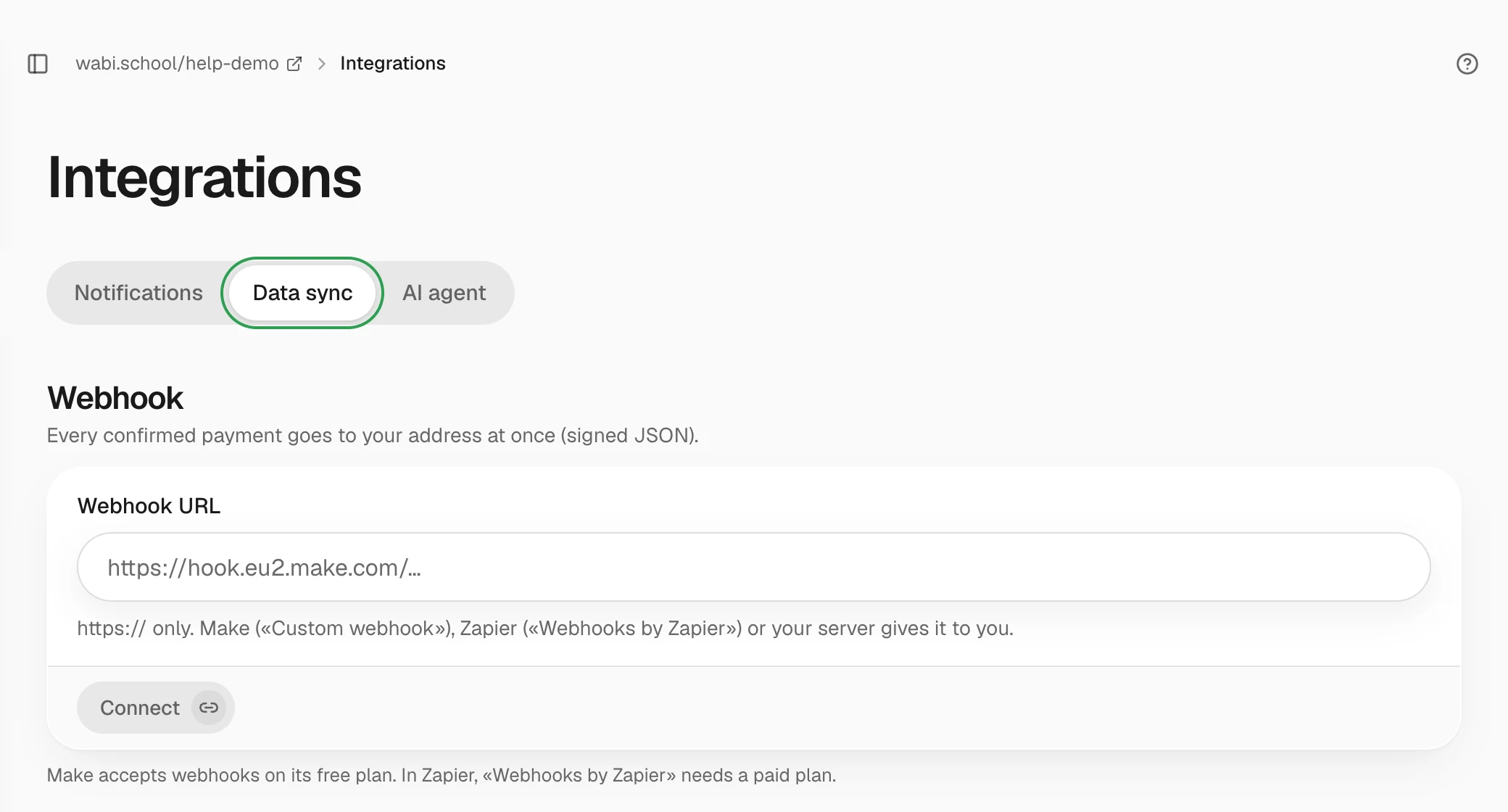
Open "Integrations" → "Data sync". For a sheet, click "Connect Google" — Wabi creates a sheet in your Google Drive and adds a row for each payment. For Make, Zapier or your own server, paste the address into "Webhook URL" and click "Connect".
In this guide
Both methods pass on confirmed payments only: one-time payments, the first payment of a subscription, and its renewals. Refunds are not passed on. The school owner or an admin can set them up.
Google Sheet
- Open Integrations → Data sync and, in the Google Sheet block, click Connect Google.
- Sign in to Google and allow access to files. Wabi sees only the sheet it created. It can't see your other files.
- A sheet named "Wabi — оплати" appears in your Google Drive. Open it with Open in Google Sheets.
Each new payment is a separate row. The columns are: payment number, date in Kyiv time, product, tariff, amount in hryvnias, buyer, email, phone, promo code and discount, payment type, whether the buyer is returning, UTM tags, and payment system.
- Past payments. Click Add past payments. Wabi adds all payments that haven't been refunded, starting with the oldest. It skips those already in the sheet, so you can click as many times as you like.
- You can rename the sheet and move it to another folder. A copy of the sheet is a different file, and payments won't reach it. Don't reorder the columns.
- To disconnect, click Disconnect. The sheet with all its rows stays in your Google Drive.
If the sheet is deleted or you revoke access in Google, writing stops. Click Reconnect.
Webhook
A webhook sends each payment to your address right after it is confirmed. The address comes from Make ("Custom webhook"), Zapier ("Webhooks by Zapier", paid plan only) or your own server.
- In the Webhook block, paste the address into the Webhook URL field. Only a full address that starts with
https://on a public domain works. - Click Connect.
- Click Send test to check that the address accepts requests. A test payment carries the field
"test": true.
The Recent deliveries block shows the last 20 payments and the status of each. You can resend a failed delivery with Retry.
If the webhook stops
If your address doesn't respond, Wabi retries the delivery for three days. After that, The webhook stopped appears and you get an email. Fix the address or your scenario and click Resume. Wabi then sends the payments from the last 30 days that didn't arrive.
To pause sending for a while, click Pause. Rotate secret issues a new secret, and the old one stops working at once. Paste the new one into your service.