
How to prepare and publish a course
What to check before publishing a course (tariffs, lessons, page, documents, payments), how to publish it, and how to preview the buyer's journey.
Short answer
Check the readiness block on the course page (tariffs, lessons, sales page, documents, and payments), then click "Publish". After publishing, open the course page in a private browser window and walk through the buyer's journey. You can unpublish a course at any time, and existing buyers keep their access.
In this guide
Check your course
The course page has a readiness block. It shows which steps are left before publishing and links to each one. Work through it.
- Tariffs. At least one tariff with the On sale status in the Tariffs section.
- Lessons. At least one lesson in the Lessons section, unless the course is in pre-sale.
- Sales page. Open the Page section and reread the headline, description, program, and prices the way a buyer will see them.
- Documents. The Documents section must have a public offer and a privacy policy.
- Payments. Connect a payment provider in Settings → Accepting payments. You can publish a course without it, but buyers can purchase it only after you connect payments.
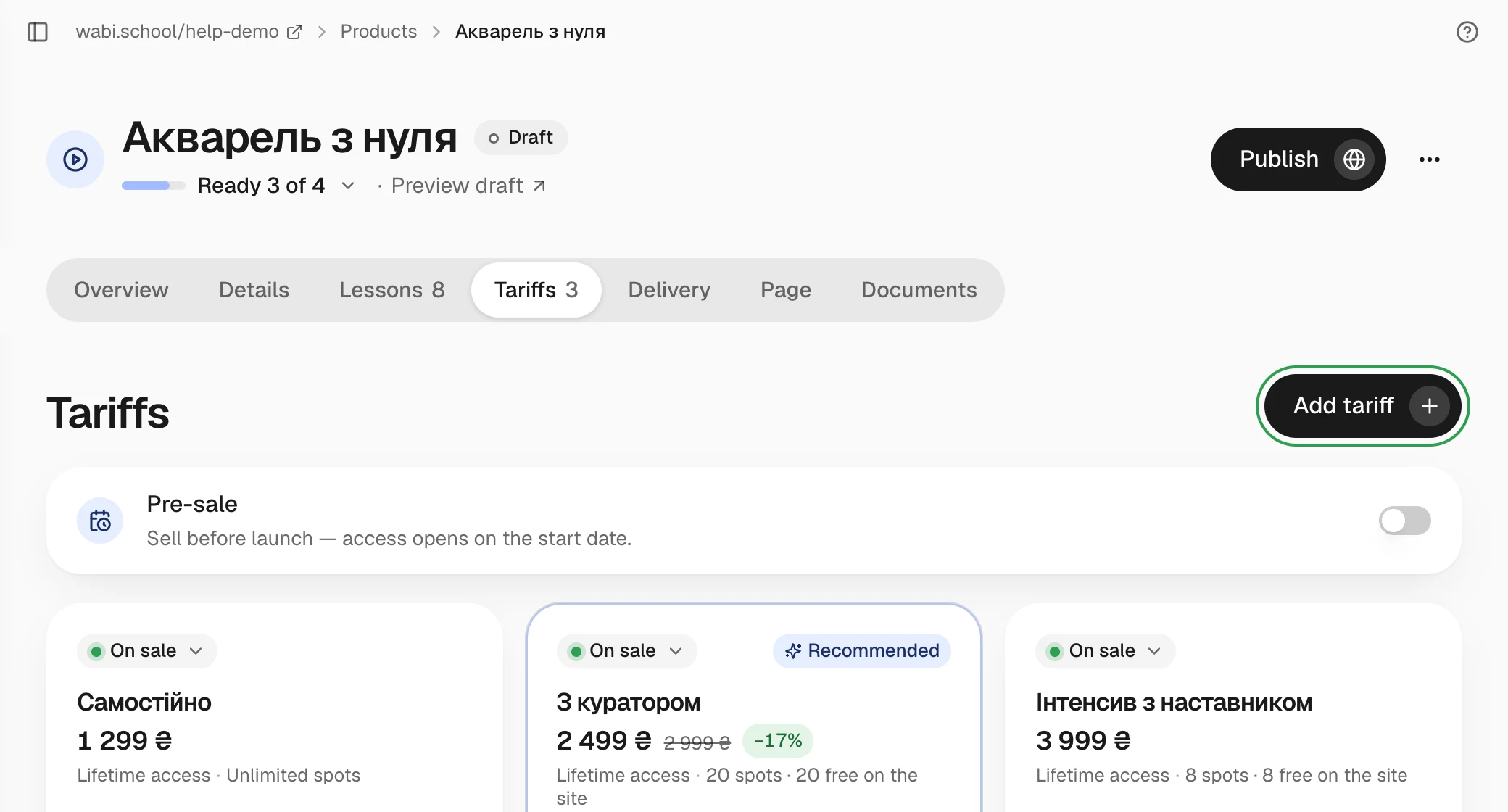
Publish
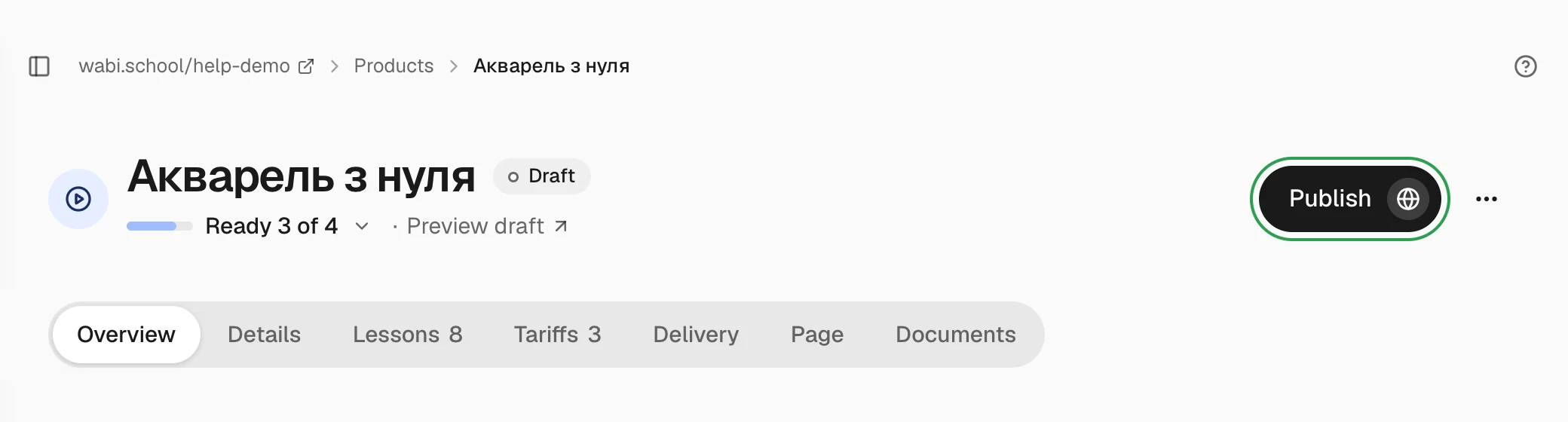
Click Publish on the course page. If something is missing, Wabi shows what it is. The article on why a product won't publish explains what to do for each message.
Walk through the buyer's journey
Open the course page in a private browser window where you're not signed in to the dashboard. Check that the prices are correct, the payment button opens, and lessons marked Free preview are visible without payment.